
Once, I needed to write a Christmas greeting to a client I had worked with for years. The request was simple: keep it short and do not mention sales.
I knew what the email was supposed to do, but I still kept rewriting the same few sentences. Too formal and it sounded like a broadcast. Too casual and it did not fit the working relationship. Add product information and the greeting changed its purpose. That was when I started to think that an email tool should not begin by making sentences prettier. It should begin by understanding who the email is for.
An email has three passes
I wrote plenty of emails at work. Not system notifications, but messages to clients, partners, project teammates, or someone I needed to follow up with after an interview. These emails usually had to pass through three stages.
The first stage was deciding what to say. The same situation changes when the recipient changes. A client does not need the same wording as a teammate. I had to decide whether to explain the background first or make the request first, which facts could not be left out, and whether the tone should be formal or natural.
The second stage was making the message look right. Line length, spacing, and emphasis do not complete the communication for you, but they affect whether the recipient can follow it without effort.
The last stage was turning it into HTML that email clients could understand. This was the most annoying part. A layout could look perfect in a browser and fall apart in Outlook for desktop. If any of the three stages was neglected, the email showed it. The facts could be correct while the message looked careless, or the layout could be polished while the words missed the point.
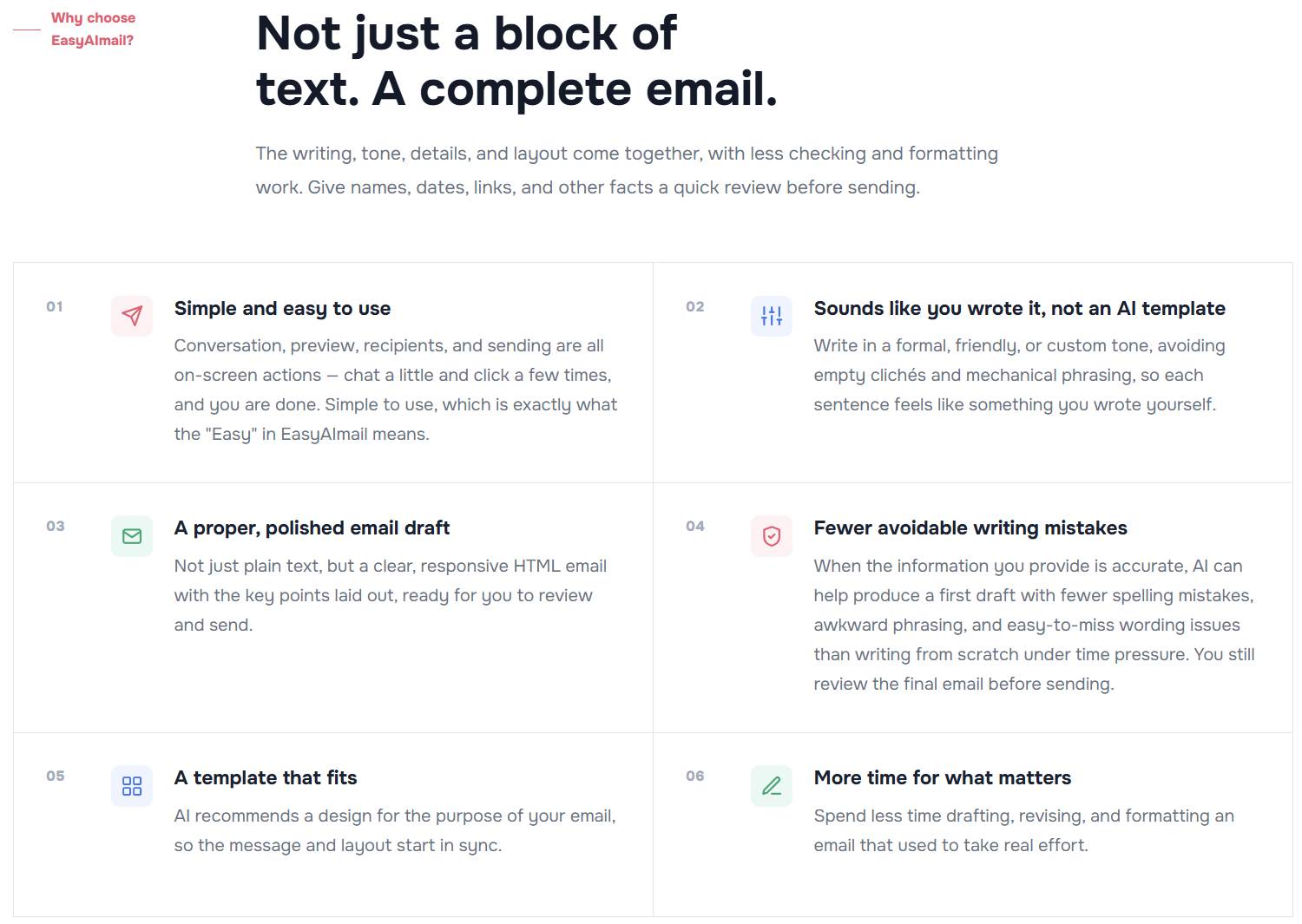
The painful part was not difficulty. It was repetition.
Every email made me start from the first stage again. Change the recipient and the first two stages changed. Change the situation and all three changed. After doing it enough times, I understood that this was not an occasional time cost. It was attached to every message.
A thoughtful email, together with the back-and-forth of deciding what it should say, could easily take an hour or two. So I often settled. I sent a plain-text message that covered the facts, or found an older email and changed the greeting and date before sending it again.
Settling becomes a habit. When an important message came up, my first thought was often that a few casual lines would have to do. I did not only want to fix one email. I wanted to break the cycle of starting from a blank page and ending with something I had accepted reluctantly.
What I actually wanted was simple
I wanted to explain the real situation in a conversation and get back an email that fit both the message and the relationship. Explaining the situation does not mean typing one vague sentence. It means telling the AI who the email is for, what the occasion is, what I want to say, what tone I want, and which hard facts cannot be wrong.
Dates, amounts, names, and company names cannot be guessed from a template. A formal tone can fit a manager, a client, or another business contact. A friendly tone can fit a colleague or a friend. If the sender wants something more specific, such as classical Chinese, playful, or academic, they should be able to describe it directly.
A template can solve part of the layout and structure. It cannot decide the right amount of distance between two people. It should be a starting point that can be inspected and replaced, not a set of fixed blanks into which the sender has to force the relationship and the facts.
AI filled in the missing part
Now the request can live inside a conversation. The AI uses the recipient, situation, purpose, tone, and hard facts to organize the email, then recommends templates that are closer to the actual need. If one is not right, the sender can say what is wrong in the same conversation.
The part that used to circle around in my head now has somewhere to go. The tool is not only replacing one sentence with another. It is keeping the background, the relationship, and the next action together. The sender still has to review the result, but the review has something specific to look at.
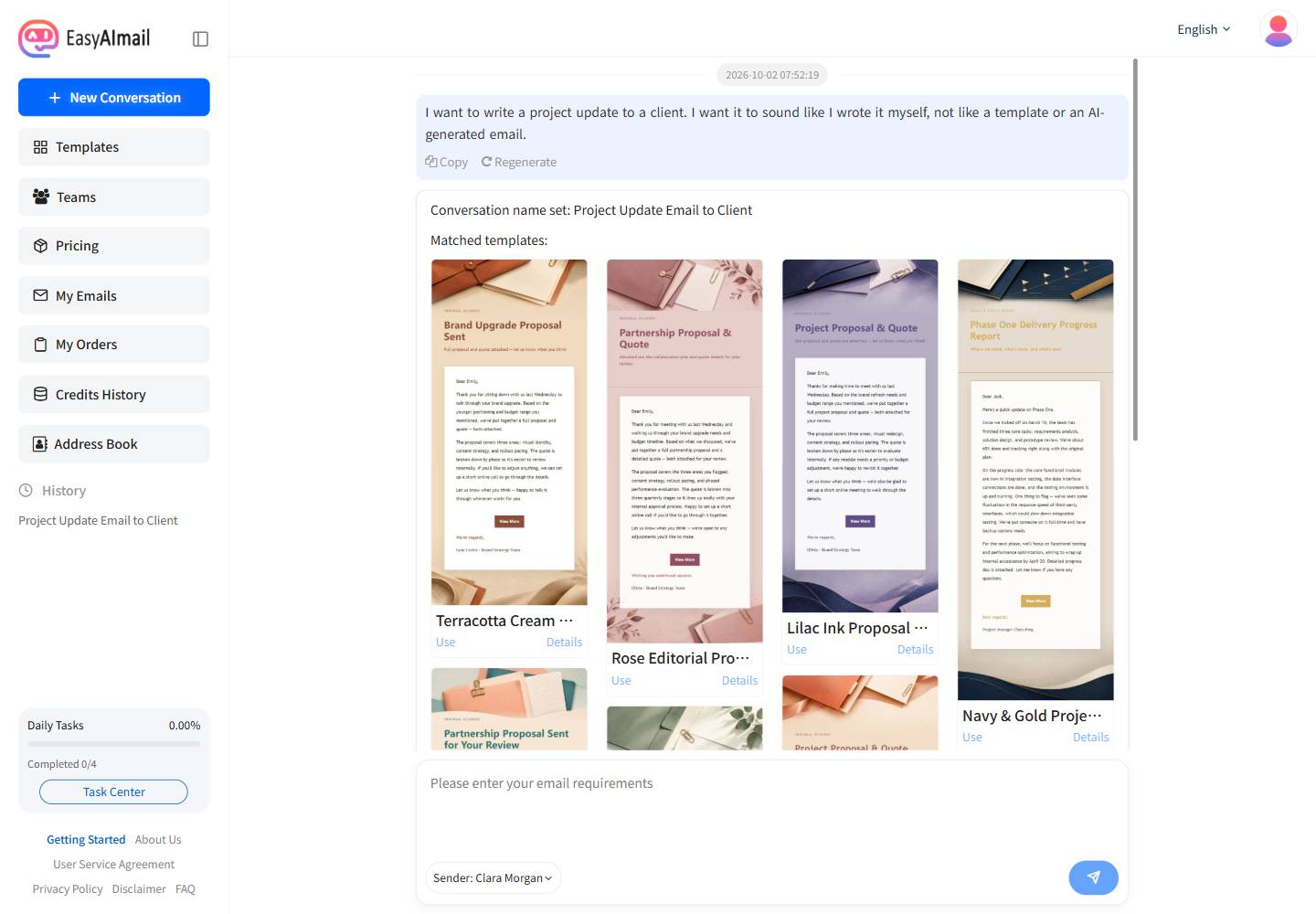
That is how EasyAImail took shape
I kept the workflow to three steps: explain the request and let the AI draft it; point out what is wrong in the same conversation; then check the content, salutation, and layout before adding the recipient and sending it.
The part that took the most work was making sure the generated email could actually be sent. The styles and layout had to travel with the email itself, so it would not fall apart in a different inbox. I wrote more about that compatibility problem in why HTML email breaks in Outlook.
The tool started as a way to solve my own annoyance. Later I realized how familiar that annoyance was. Many people have wanted to write a decent email to someone, thought about it for too long, and finally decided that a few careless lines would have to do.
If that sounds familiar, start with our guide to choosing an AI email tool, then open EasyAImail and tell the AI what really needs to be said.