
An email can look perfectly composed in an editor and then arrive in Outlook with a changed line break, a shifted image, or an awkward button. It feels like the last step failed. More often, the risk was already present when the email was being written and designed.
A browser preview looks enough like an ordinary webpage that it encourages a familiar assumption: positions, spacing, and buttons will stay put. An inbox is not the same browser. Different email clients interpret HTML in their own ways, so a polished effect is not automatically a durable one.
A preview is not a promise from the inbox
That shapes the choices behind our templates. It matters more that the basic structure can be read reliably than that every email behaves like a complex webpage. The heading, message, primary action, and important facts need a clear order. Understanding should not depend on one delicate visual effect.
This does not mean every layout problem can be removed in advance, or that every inbox will display the same result. The more honest approach is to account for the difference, preserve a steadier base layout, and ask the sender to check the preview and the facts that must remain exact before sending.
Fewer dependencies leave more room for the message
Dense overlays, layouts that communicate only through empty space, and essential information placed inside images can look striking in a browser. They can also lose their order across inboxes. Removing unreliable decoration is not a way to make email dull. It is a way to leave attention for the thing the sender actually needs to say.
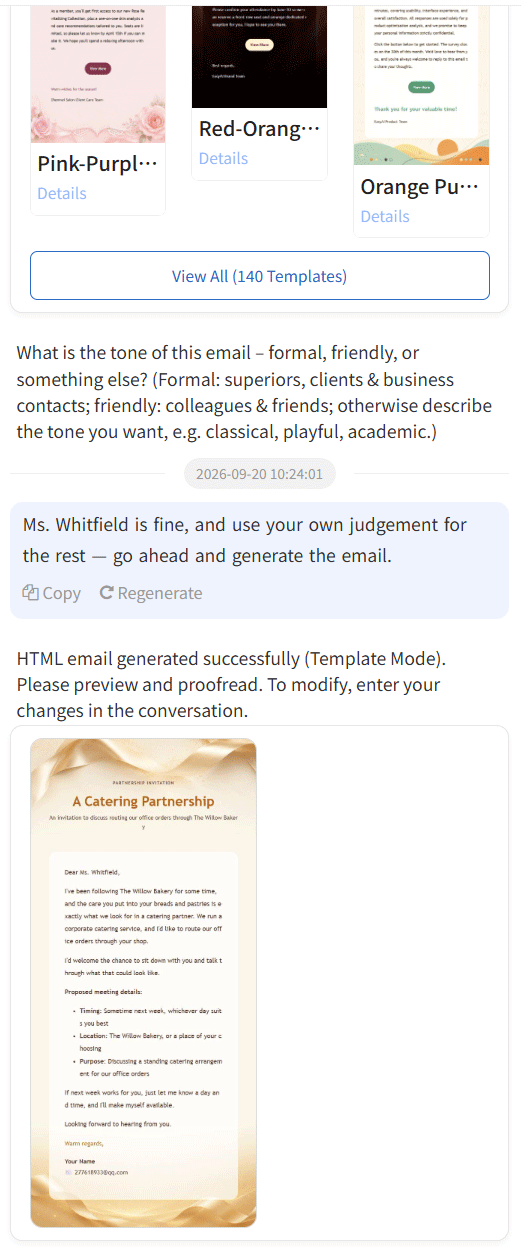
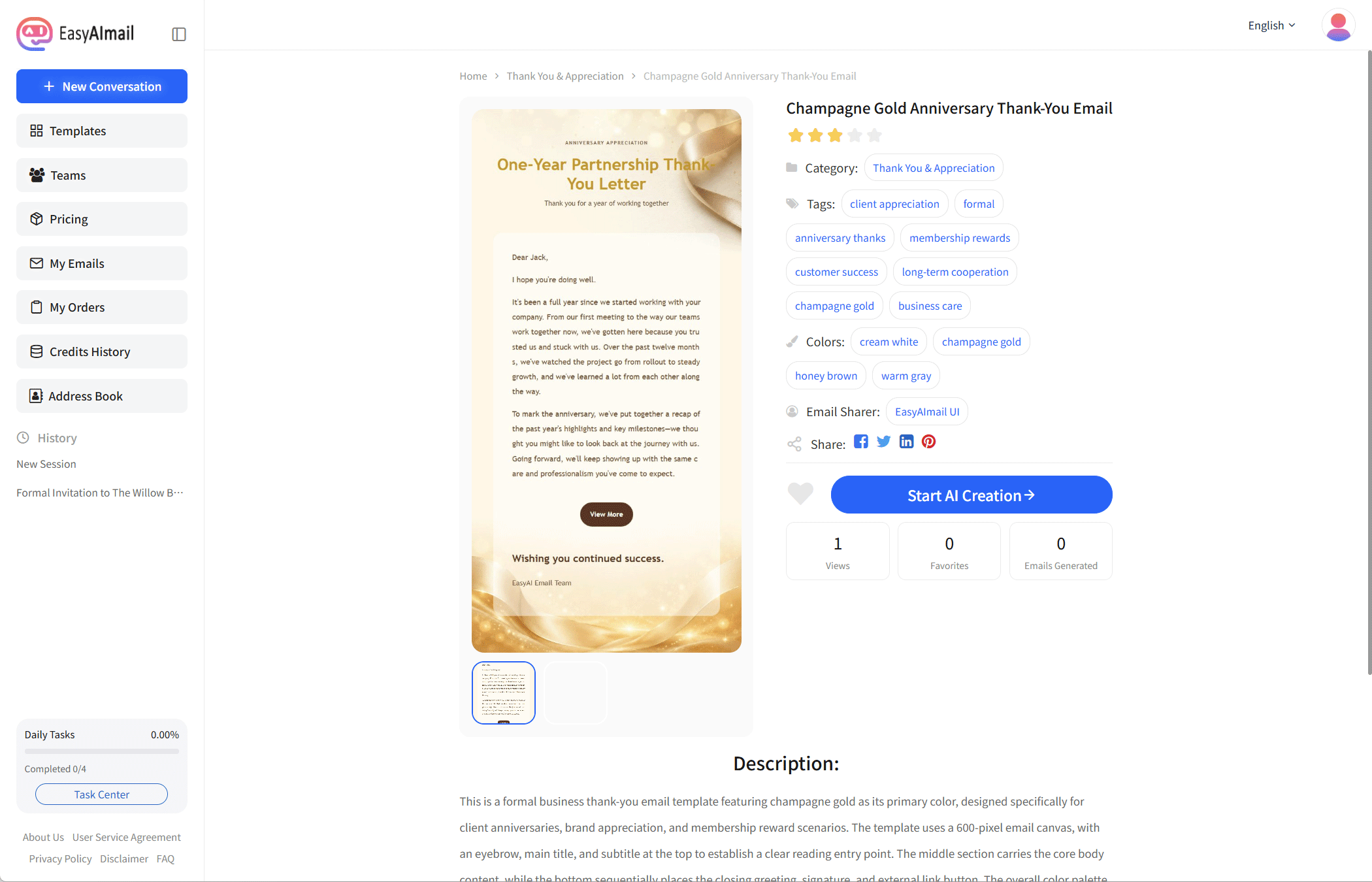
EasyAImail organizes the recipient, occasion, message, tone, and hard facts a user provides into an HTML email that can be reviewed, then recommends a suitable template. It cannot decide which email client a recipient uses or promise an identical final rendering. Choosing the template and reviewing the result remain necessary before sending.
Email is not a smaller webpage
Thinking of an email as something that needs to be understood in many inboxes makes design choices clearer. The goal is not the most elaborate result in one preview. It is helping the recipient see the subject, the point, and the next action, while the sender confirms that the information is correct.
For the technical reasons Outlook can change a layout, read why email breaks in Outlook. To compare layouts for different writing situations, browse the email template collection. Treat the preview as part of the check, not as a substitute for it.